Upload a PDF, place the required fields and send one clear link. Track progress from your dashboard, then download the signed PDF and audit certificate.
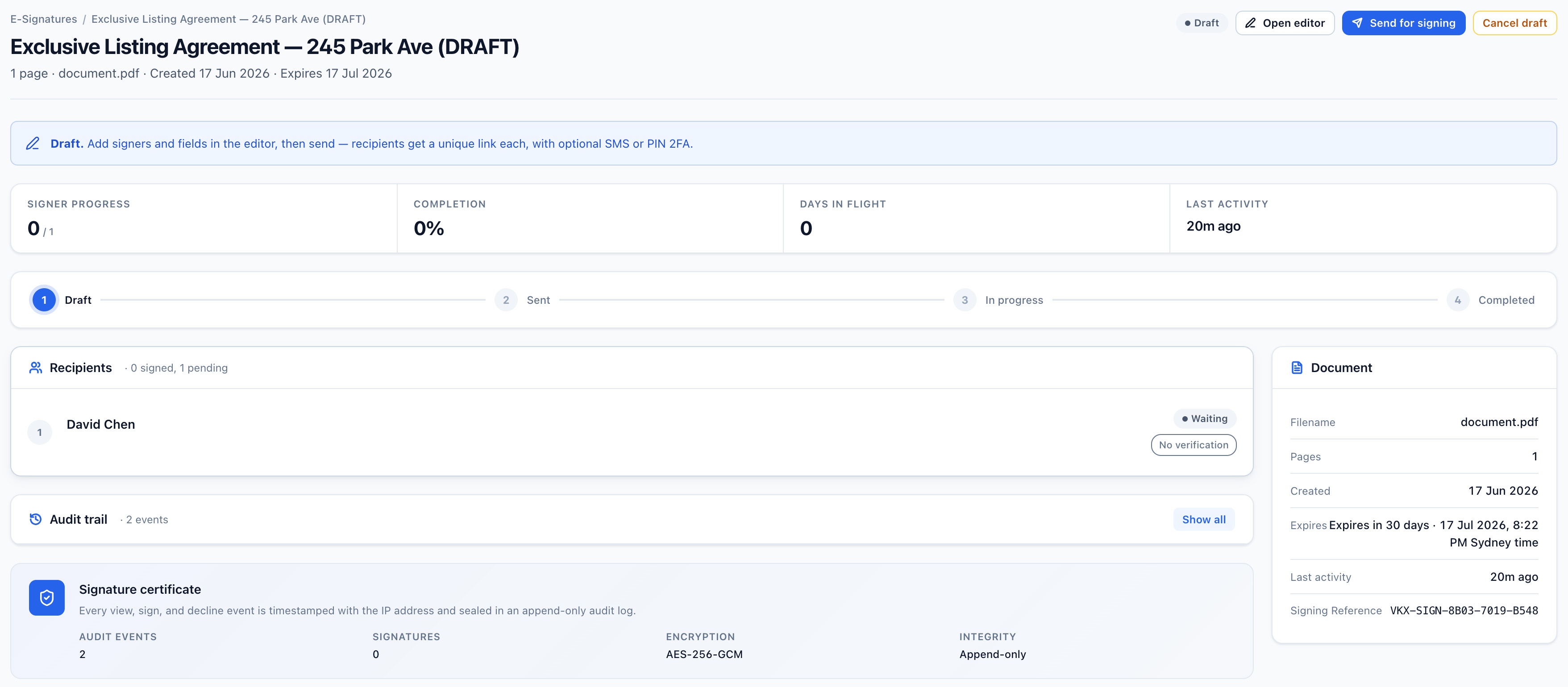
Recipients open the link and sign in their browser without creating a Vukorix account, and your team can see what is complete and what still needs attention. Electronic signatures have been recognised in Australia since the Electronic Transactions Act 1999 (Cth), with corresponding legislation in every state and territory, though requirements vary by document type and by state, so get your own advice for documents with special execution requirements.
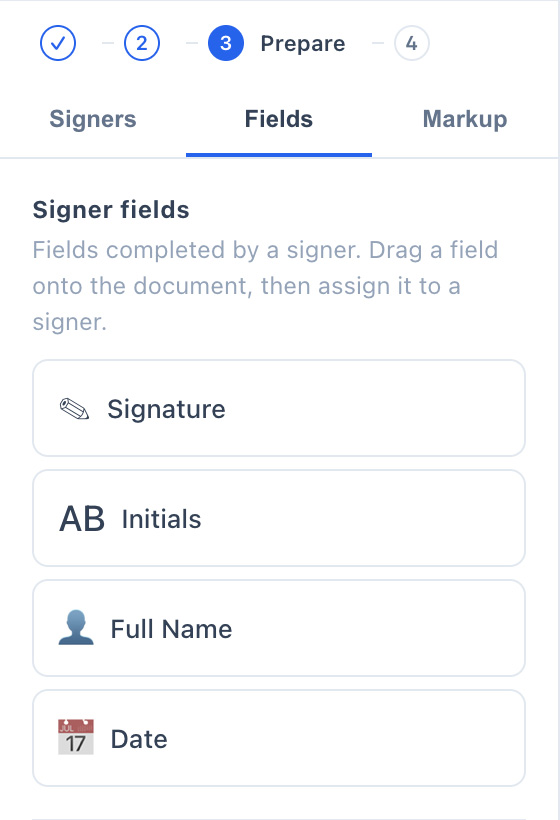
Vukorix detects existing fillable fields and lets you add signature, date, initials and name fields where they are needed.
Send to one person or several and use automatic reminders to keep the signing workflow moving.
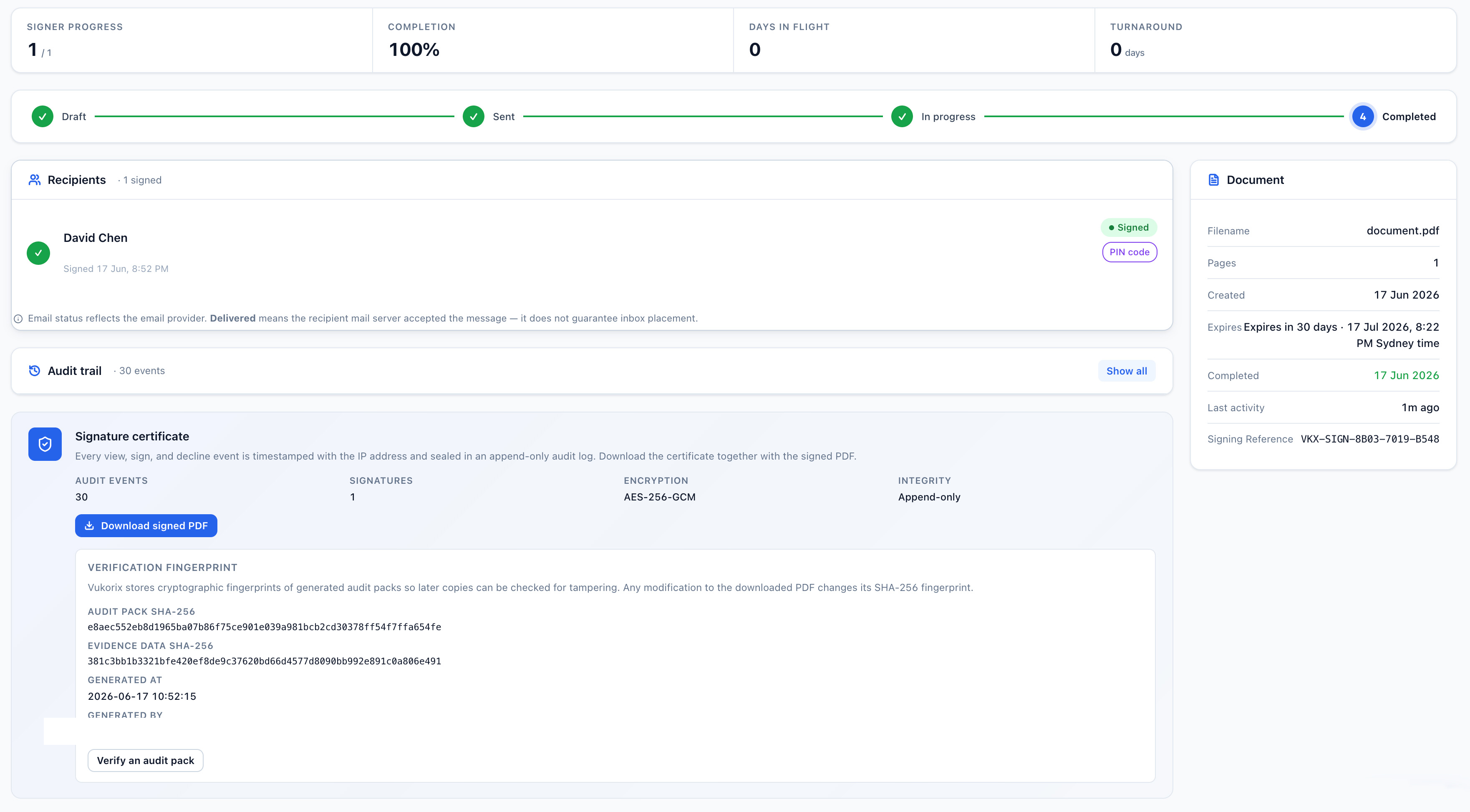
Receive the completed PDF and an audit certificate recording signing events and available access information, so you can show how a document was signed.
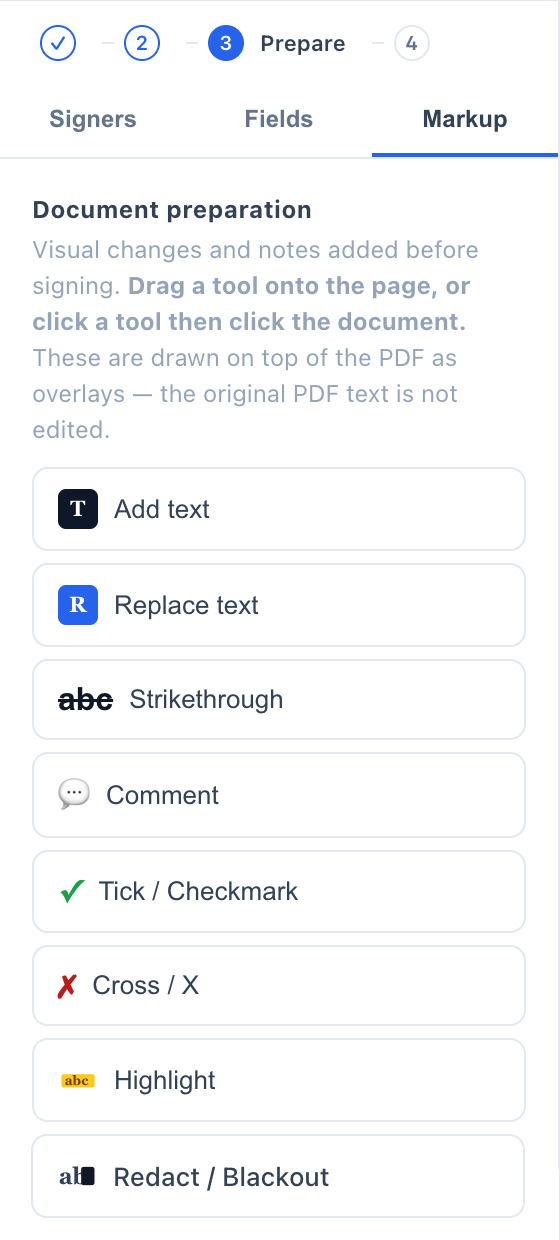
Add text, comments, strikethroughs, ticks and crosses, or remove selected PDF text before the document goes out.
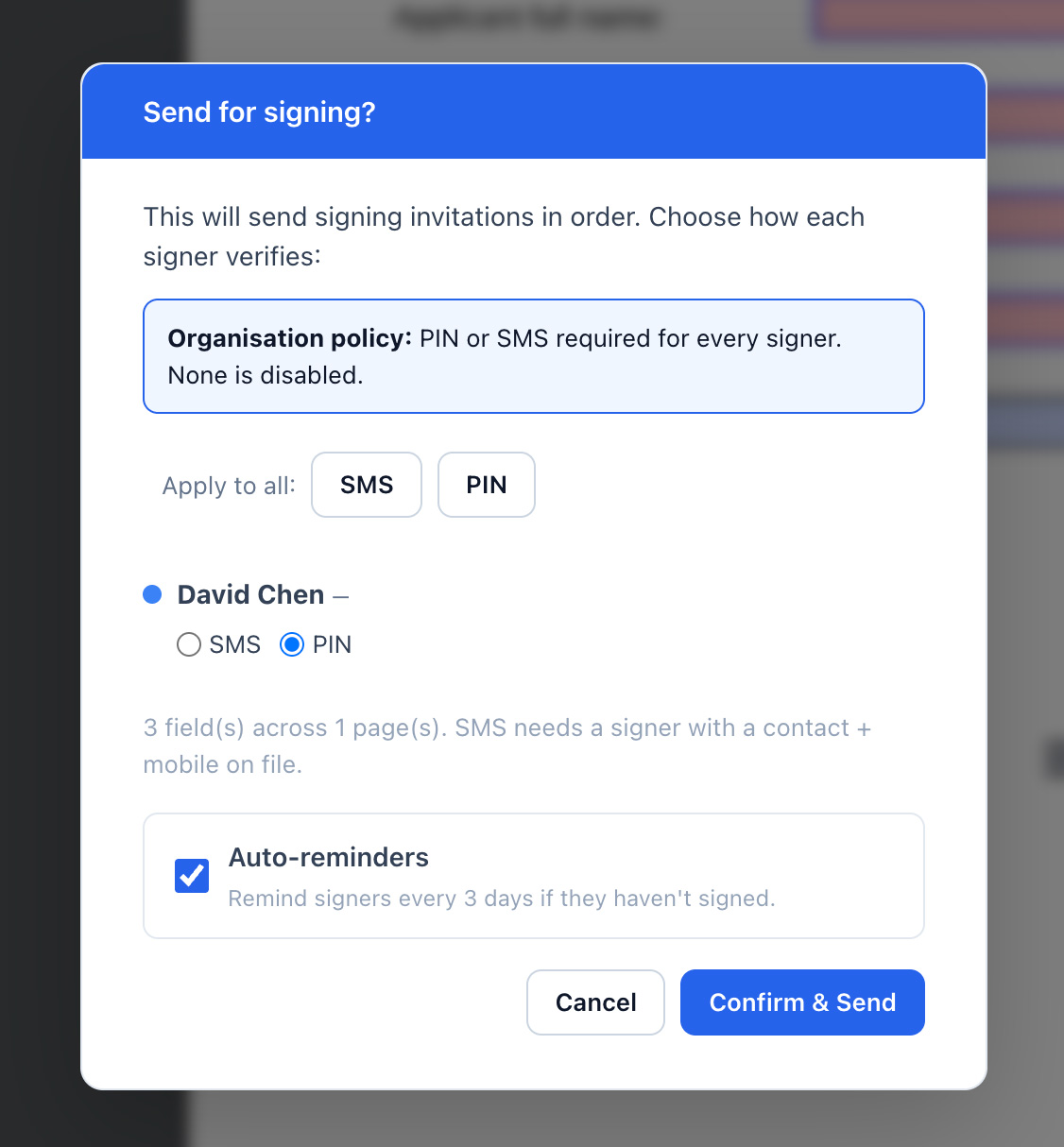
Use a 4-digit PIN or SMS code when a signing link needs an extra step to confirm the recipient before they can open it. SMS codes go to Australian mobile numbers.
Start a fresh E-Sign draft from a Document Library template without changing the saved original.
Prepare the document once, send one link and follow the progress from your dashboard.
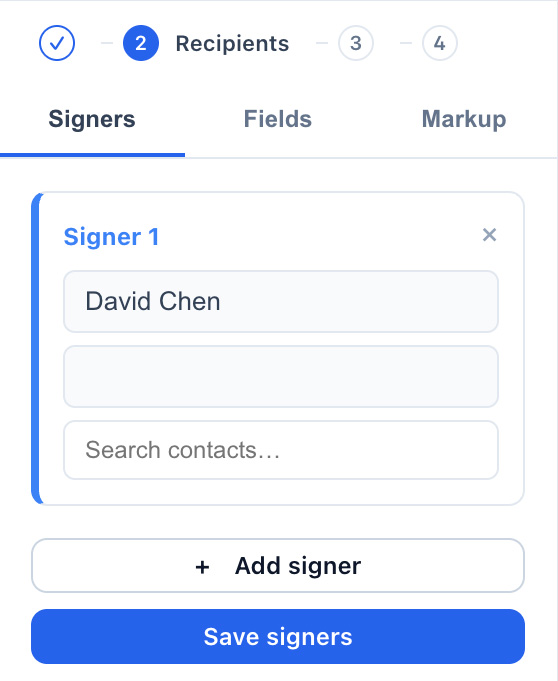
Choose the recipients and assign the fields each person needs to complete.

Add signature, date, initials and name fields where each recipient needs to complete them.

Add text, comments, strikethroughs, ticks and crosses without leaving the E-Sign editor.
Manual PDF Redaction removes the underlying PDF text in selected areas and creates an image-based exported page. Review the exported document before sending.

Choose any optional PIN or SMS access check, then send the signing link.

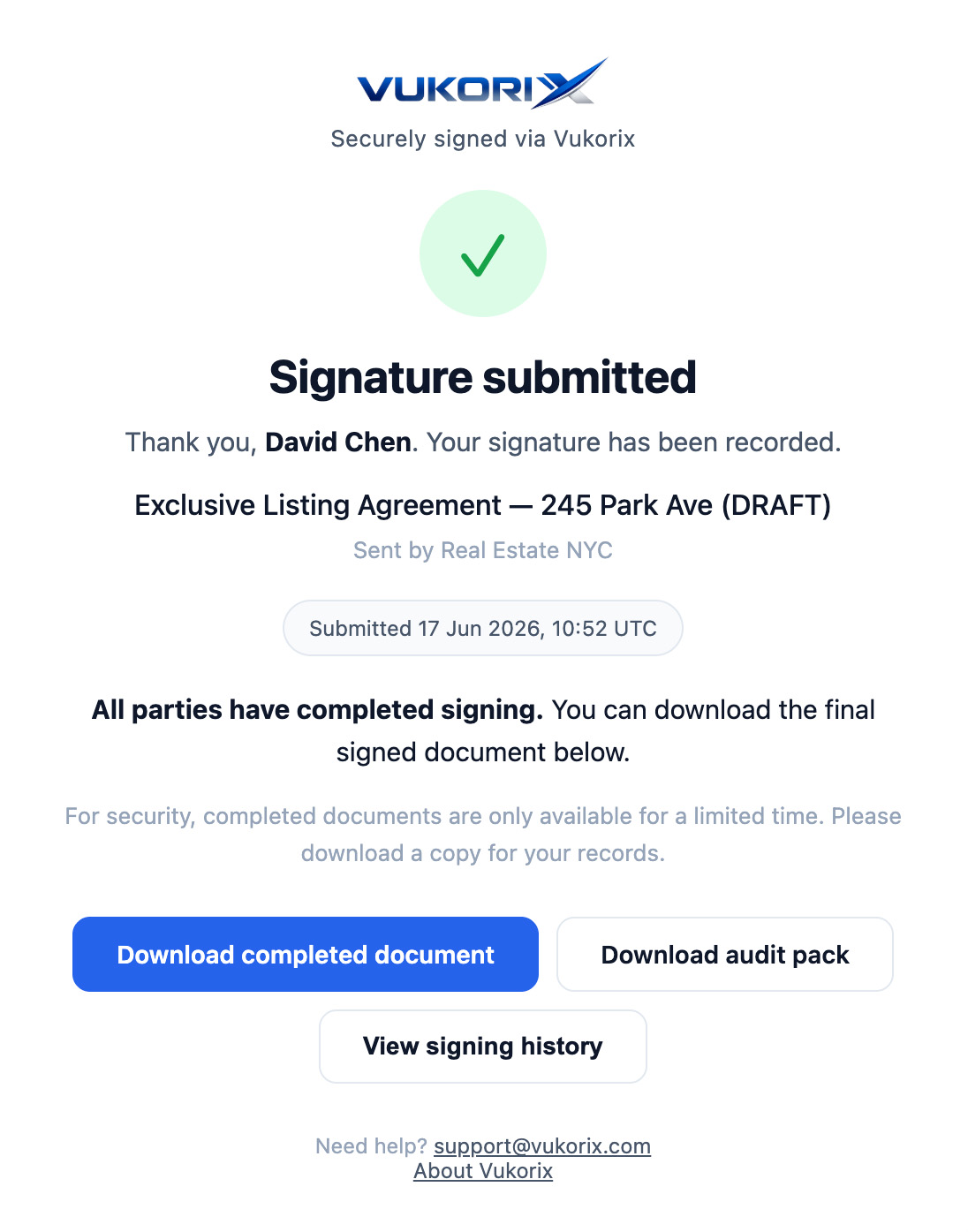
Each recipient opens the link, completes the requested fields and submits the document in their browser.

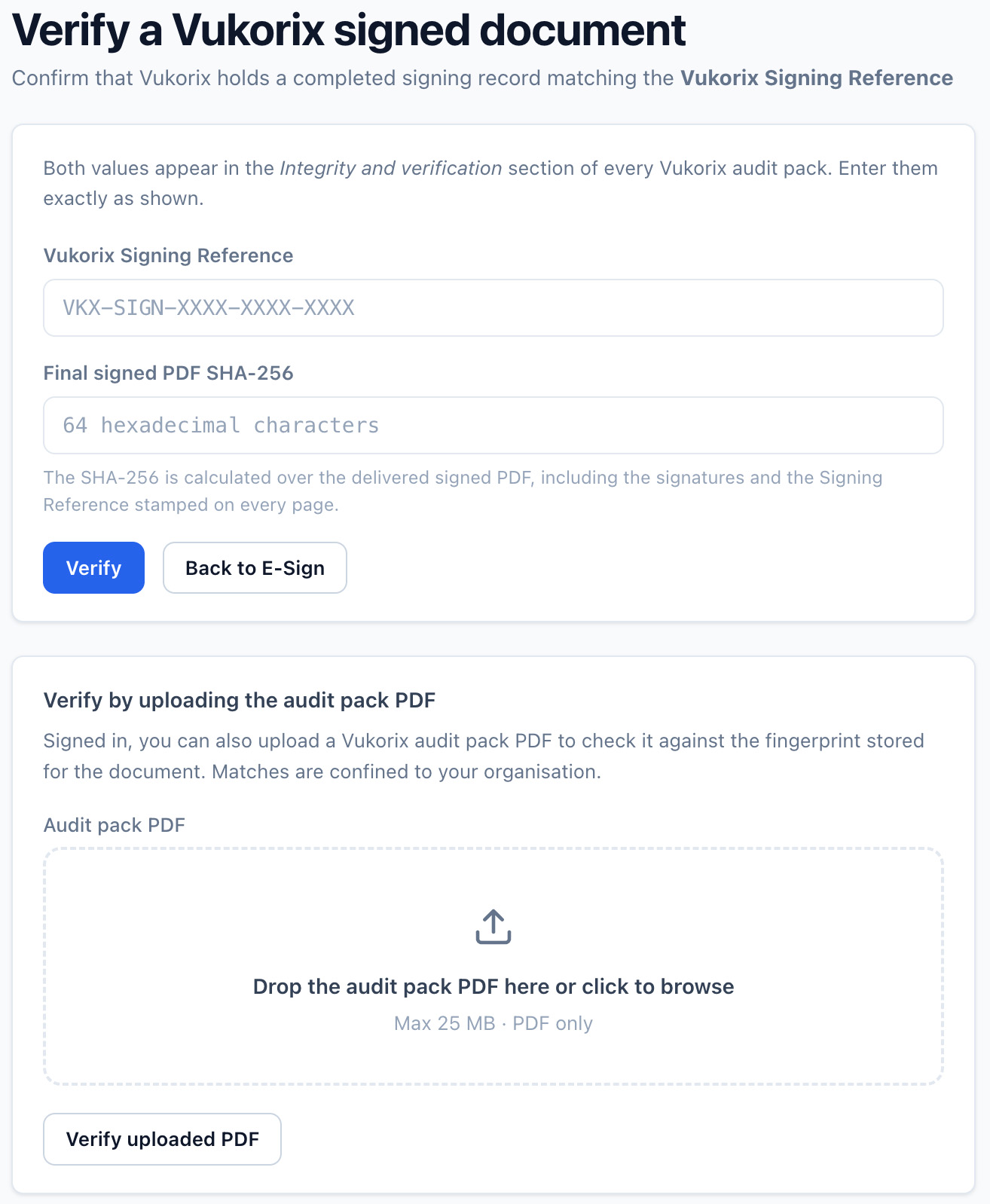
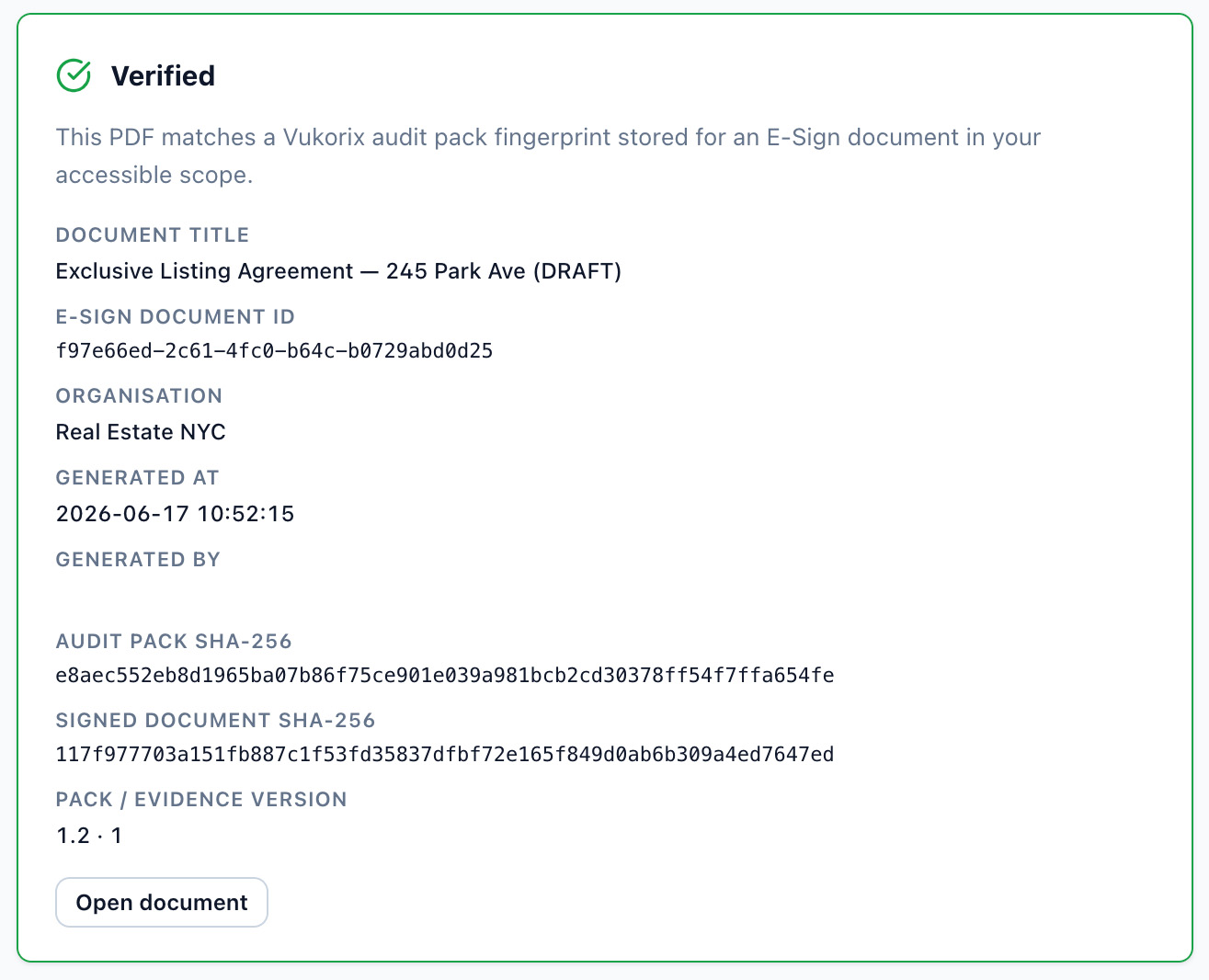
When signing is complete, download the signed PDF and a separate audit certificate with signer events, timestamps and available access details. An audit certificate does not make a signature valid, but it is the record you would rely on to show that the method identified the signatory and indicated their intention to sign.

Open the completed document record to review the signer activity, audit certificate and document details.


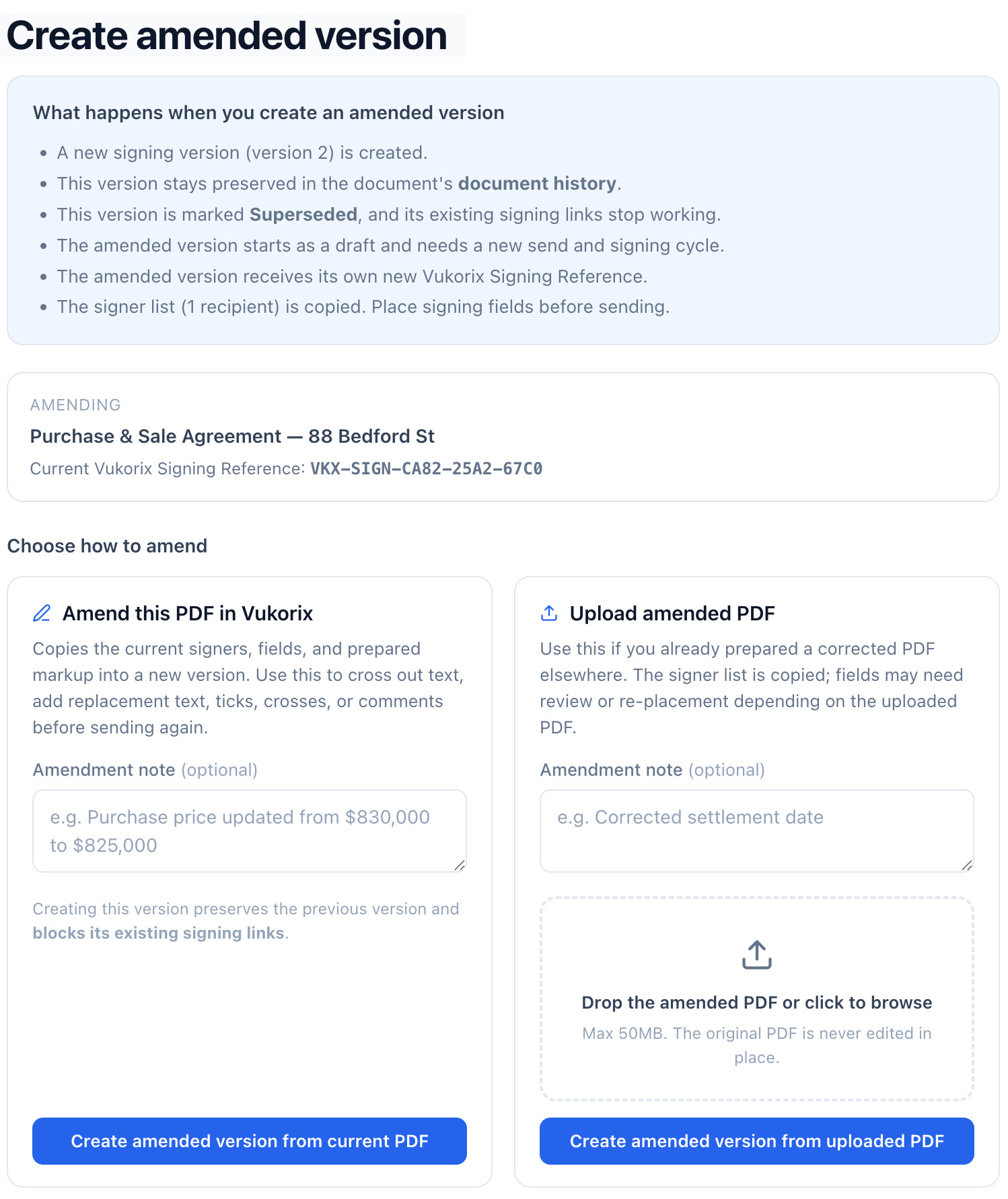
When a sent document needs to change, create an amended version instead of starting a separate workflow.
The original and amended versions stay linked so your team can follow the document history.

How E-Sign is protected. E-Sign documents are encrypted in transit and at rest throughout the workflow, and are stored in Sydney. Standard encryption supports the automated processing required to prepare the document and generate the completed PDF and audit certificate. See the full security architecture →
Electronic signatures have been recognised since the Electronic Transactions Act 1999 (Cth), and every state and territory has its own electronic transactions legislation closely modelled on it, though the detail and the exemptions differ. In general, the method used has to identify the signatory and indicate their intention to sign, be as reliable as appropriate for the purpose or be proven in fact to have done that job, and the other party has to accept that method. The law is technology-neutral, so no platform is certified or approved under it. Requirements still vary by document type and by state, so this is general information rather than legal advice and you should get your own advice for documents with special execution requirements.
Yes. Upload a PDF, place the required fields, choose the recipients and send the signing link.
Yes. E-Sign is built for everyday business paperwork supplied as PDFs, including contracts, agency agreements, engagement letters, employment contracts, consent forms, approvals and internal documents. Since 2022 the Corporations Act 2001 (Cth) has permanently allowed Australian companies to sign documents, including deeds, electronically, under section 127 by company officers or under section 126 by an authorised agent, and to use split execution where signatories sign in different ways or on different copies. Sole-director proprietary companies are covered even where the company has no company secretary. Individuals, trusts, partnerships and foreign companies fall under different rules that vary by state. This is general information rather than legal advice, so take your own advice before relying on agent execution or on the electronic execution of a deed.
No. Recipients open the link and complete the requested fields without creating a Vukorix account.
Some documents still cannot be reliably signed electronically in Australia, and the rules differ by state and territory. Wills, enduring powers of attorney, appointments of enduring guardian, affidavits and state statutory declarations are the main ones to watch, and in several states these still need a wet-ink signature and an in-person witness. Being able to have a signature witnessed over an audio visual link is not the same as being able to sign electronically. Land title dealings go through the separate electronic conveyancing system and are digitally signed by your lawyer or conveyancer, not through a general signing tool. This is general information current as at August 2026 rather than legal advice, so get your own advice for any document that must be witnessed, sworn or affirmed.
The audit certificate records signing events and available access information, including timestamps, recipient details, IP address where recorded and the signature method. An audit certificate does not make a signature valid. It is the evidence you would rely on to show that the method identified the signatory and indicated their intention to sign.
E-Sign accepts PDF source documents up to 50 MB. Other file formats must be saved as PDF before upload.
Download the signed PDF and audit certificate from your Vukorix dashboard and file them in the records or practice management system your organisation uses. Your documents and account data are stored in Sydney.
Related workflows: Document Library · Smart Forms · Pricing
Common use cases: Real estate · Mortgage & finance · Legal · Healthcare · Professional services
A$19.99 per organisation per month, including GST, with 4 seats included. Start with a 7-day free trial, no credit card required.