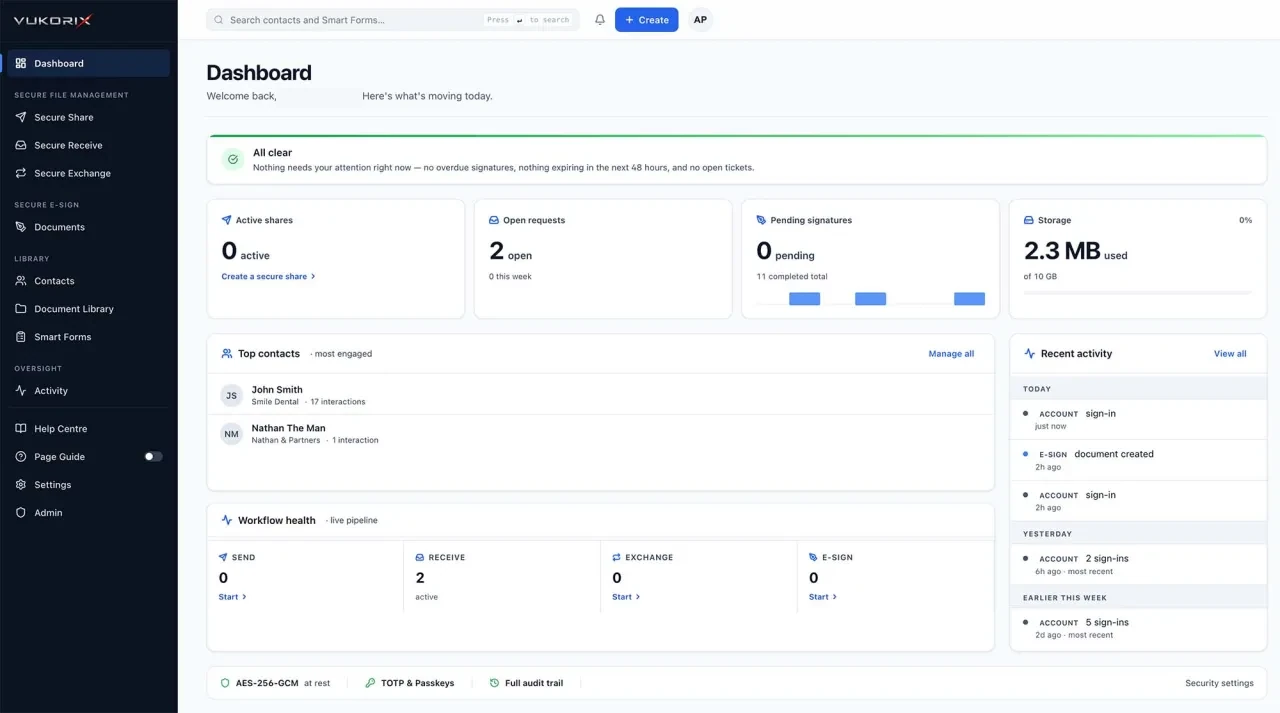
Vukorix gives your business six practical tools for sending, signing, collecting, sharing, reusing, and completing documents.
Start with the job in front of you. Every Vukorix product is included in the same straightforward subscription, and your documents and account data are stored in Sydney.
A$19.99/month incl. GST. 4 seats included. No credit card required.
Each Vukorix product is designed around a practical document task. Electronic signing requirements differ by document type and by state or territory. This is general information rather than legal advice, so get your own advice for anything that has to be witnessed, sworn or affirmed.
Send a valuation, a settlement statement or a client file as a controlled link with an expiry date, view limit, and optional recipient access check instead of an email attachment.
Use Secure ShareSend one checklist and upload link for identification, payslips and bank statements, then see what has arrived and what remains outstanding.
Use Secure ReceiveCollect what you have asked the client for and send the signed copies, statements or reports back, with both directions kept together.
Use Secure ExchangePlace the fields on a sales authority, engagement letter or credit proposal, notify the recipients, and receive the signed PDF with an audit certificate.
Use E-SignKeep the sales authority, costs agreement or credit guide ready to go, and start a fresh E-Sign draft without changing the saved original.
Use Document LibraryAdd fields to a tenancy application or a patient consent form, send it through Vukorix, and receive the completed document back.
Use Smart FormsTaking on a client, running a matter or getting an authority signed usually needs more than one product. Vukorix keeps the tools together without making the process complicated.
Request identification and supporting documents with Secure Receive, collect a completed client details form with Smart Forms, then send the costs agreement, engagement letter or sales authority through E-Sign.
A property matter, a loan application or a claim rarely travels one way. Use Secure Exchange when documents need to move in both directions and remain connected to the same client exchange.
Keep the approved PDF in Document Library, start a fresh E-Sign draft for the next client or property, and send a controlled copy through Secure Share when the other side's solicitor or broker needs it.
The jobs are similar across industries, but the paperwork is not. A property manager, a broker and a practice manager are chasing different documents from different people.
Use Secure Share when the recipient needs to open a controlled file link, such as a valuation or a draft contract. Use E-Sign when the PDF needs a signature.
Use Secure Receive for a checklist and client upload request, such as identification and payslips for a loan application. Use Secure Exchange when your team also needs to send documents back.
Yes. All six Vukorix products are available from the same account and are included in Vukorix Business at A$19.99 per organisation per month, including GST.
For most recipient tasks, no. Clients open the link to sign, upload, complete, or access the requested document.
Try all six Vukorix products for 7 days. No credit card required.