
Healthcare
Consents and referrals, out of email.
The forms your practice already uses. Health information stays off ordinary attachments.
Use the registration, consent and privacy collection forms your practice already relies on. Collect referrals and supporting documents, request signatures, and keep health information out of email attachments.
Vukorix Solo is A$12.99 a month including GST for one person, and Vukorix Business is A$19.99 a month including GST for you plus 3 team members. No credit card required.

Prepare your existing patient registration, consent, telehealth consent and privacy collection PDFs without rebuilding them in another platform.

Give patients one checklist. It covers the completed registration form, the referral, and the identification or Medicare details your reception team needs.

Health information is sensitive information under the Privacy Act 1988 (Cth). Use controlled links instead of leaving copies sitting in inboxes and sent folders.
Send one request for everything you need before the first appointment. That can include the patient registration form, the referral, consent forms, and any identification or health fund details. All of it is health information, so where it sits matters. Uploads are stored in Sydney, and some sub-processors work offshore. The security page sets out the detail.
Prepare the document once and notify the patient. Keep the completed PDF and its audit certificate together. Signing requirements vary by document type and jurisdiction. Check what applies to yours. For anything that has to be witnessed, get your own advice.
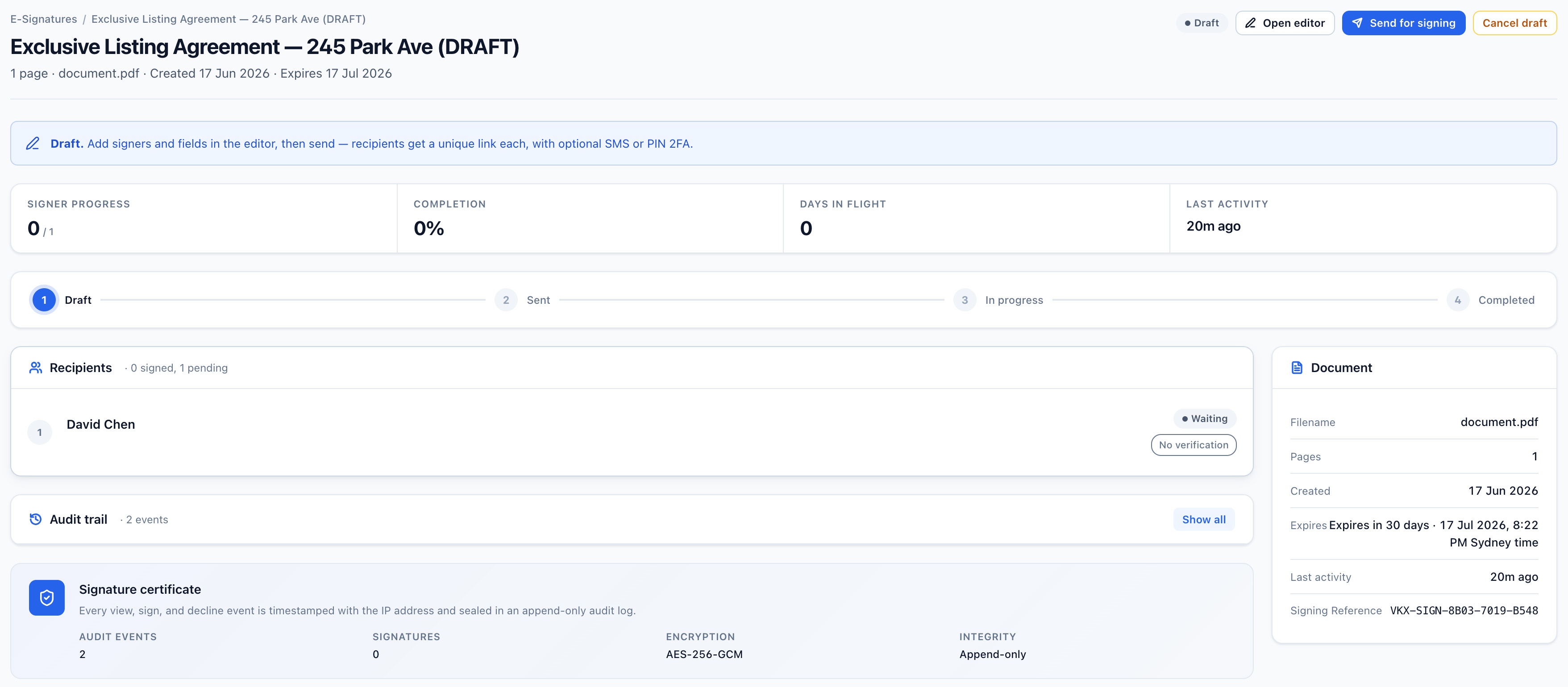
Instead of attaching the file, send a controlled link. You can set an expiry date, a view limit, and an optional access check. Your team can also see the share status and activity. An emailed copy cannot give you that once it has left the practice. Meeting the RACGP Standards, or any other accreditation requirement, is still your practice's responsibility. So are the professional and record-keeping obligations carried by your Ahpra-registered practitioners.

Patients get one link. They use it to complete the form, upload the documents you asked for, sign, or open a file. They can do it on a phone if that is easier than finding a printer. For most recipient tasks, no Vukorix account is required.
Recommended Vukorix tools: Smart Forms · Secure Receive · E-Sign · Secure Share
Yes. Smart Forms starts with the PDF your practice already uses and adds the fields the patient completes online, so the wording your practice has approved stays as it is.
Yes. Patients can open a Secure Receive request and upload a referral, results, or identification without creating a Vukorix account.
Yes. E-Sign sends consent and administrative PDFs for signature and returns the completed PDF with an audit certificate. Signing requirements vary by document type and jurisdiction, so check what applies to yours, and get your own advice for anything that has to be witnessed.
Try every Vukorix product for 7 days. No credit card required.