
Practices
Engagement, intake, and the next BAS.
Letters out for signature. Client documents in through one link.
Send engagement letters for signature. Collect what you need to take on a new client. Keep approved PDFs ready for the work that comes round every BAS quarter and every 30 June.
Vukorix Solo is A$12.99 a month including GST for one person, and Vukorix Business is A$19.99 a month including GST for you plus 3 team members. No credit card required.

Keep engagement letters, terms of engagement and authority forms as approved templates, and start from the same PDF each time.

Send one request for the identification you need for your proof-of-identity checks. Ask for the trust deed or ASIC paperwork behind the entity at the same time.

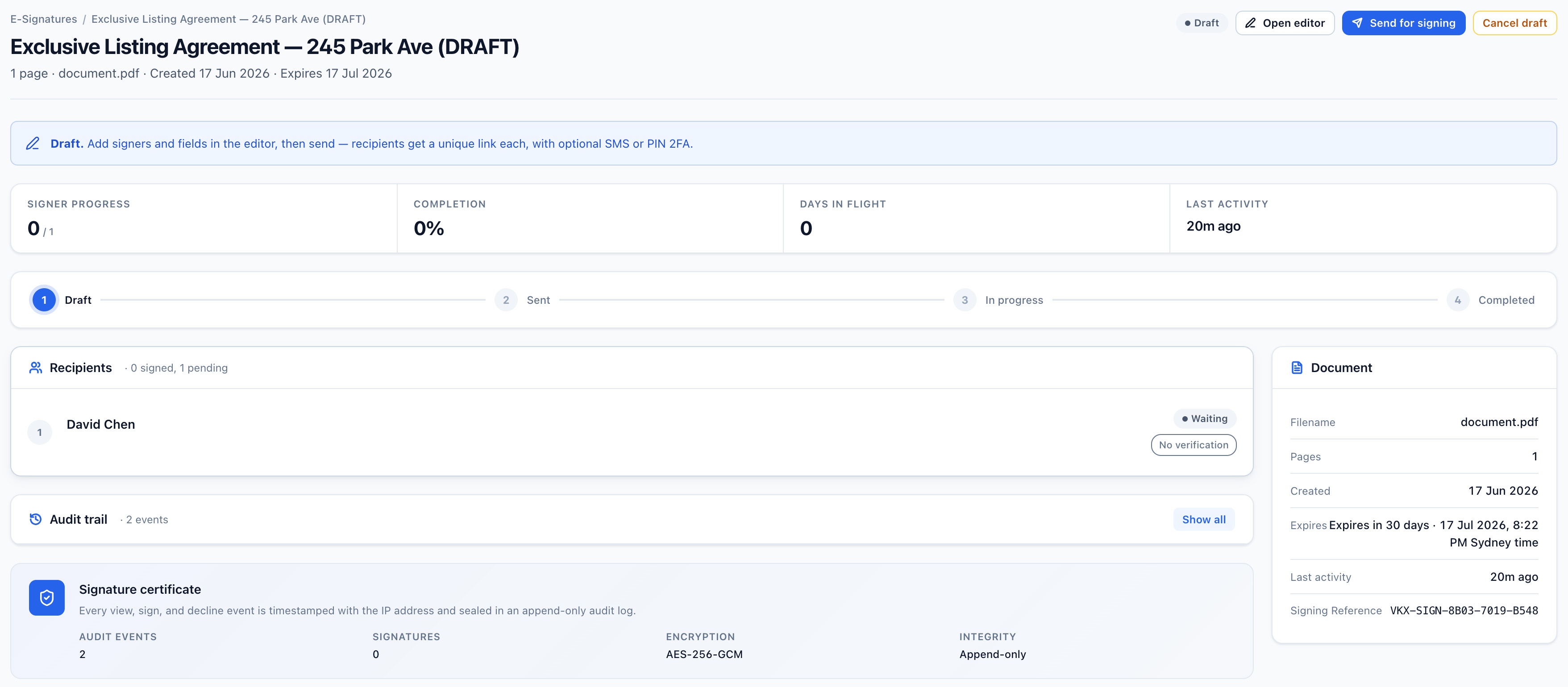
Send engagement letters, minutes and resolutions for signature, and see what is still outstanding before the deadline.

Store the engagement letter, terms of engagement and authority forms your practice has approved. Start a fresh E-Sign draft for each client. The library copy stays unchanged.
Use one checklist and one upload link for the documents a new client engagement needs. That can include the identification a registered tax or BAS agent gathers for the Tax Practitioners Board's proof-of-identity requirements, prior year financial statements, BAS records, ASIC company documents or a trust deed. Clients know what to provide, and your team can see what is still outstanding.
Prepare the PDF, notify the recipients, and keep the signed document and its audit certificate together on the client file. Signing requirements vary by document type and jurisdiction, so check what applies to yours.
Clients receive one clear link for the form, signature, upload, or file they need to deal with. That matters when the same request goes out to your whole client list in the same fortnight.
Recommended Vukorix tools: Document Library · Secure Receive · E-Sign · Secure Share
Vukorix suits registered tax agents and BAS agents, bookkeepers, consultants, agencies, and other client-facing firms that send, collect, and reuse the same documents every quarter and every year.
Yes. Document Library keeps approved PDF templates (engagement letters, terms of engagement, authority forms) ready so your team can start a fresh E-Sign draft for each client.
For most recipient tasks, no. Clients open the link to sign, upload, complete, or access the requested document.
Try every Vukorix product for 7 days. No credit card required.