Send a settlement statement, a set of financial statements or a medico-legal report as a controlled link with an expiry date, view limit and optional access check. The email carries the link rather than a copy of the document.
Set an expiry date or view limit so the link does not stay open long after settlement or the end of the matter.
Use a PIN, password or SMS code so a forwarded email, on its own, is not enough to open the document. SMS codes go to Australian mobile numbers.
Add a short note so the recipient knows what the document is and which matter, property or client it relates to.
In Private mode, show a generic document label until the recipient unlocks the file, so the file name does not disclose the client or the matter.
Expire the link manually once the file has been actioned and the other side no longer needs access.
Share a controlled link instead of leaving a copy of the document in every inbox, sent folder and forwarded thread.
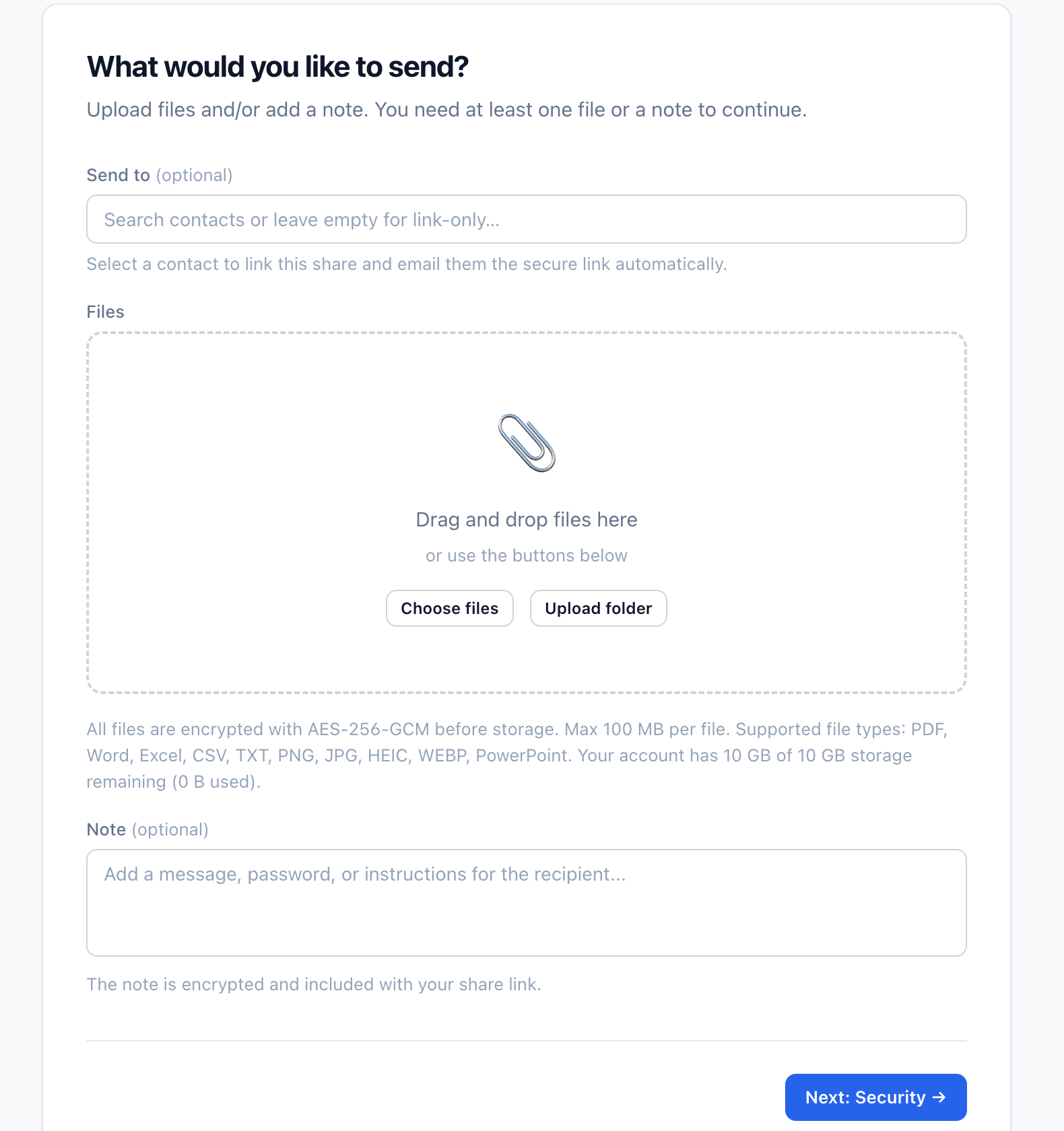
Pick the file and write a short note naming the matter, property or client, then set the access controls and create the share.

Both modes use controlled links and access settings, and both store the document in Sydney. Standard encryption supports the complete sharing workflow. Private mode adds browser-side encryption, so Vukorix cannot read the file contents.
Files are encrypted in transit, encrypted at rest with AES-256-GCM using a Vukorix-managed key, and stored in Sydney. Vukorix systems provide the share, its status and the access controls.
The file is encrypted in the sender's browser before it is uploaded. Vukorix stores encrypted file data in Sydney and cannot read the file contents. The recipient unlocks it using the required link information or passphrase.
Private mode links contain or rely on the information required to unlock the file. Store and send the link carefully, because Vukorix cannot recover the document if that information or the passphrase is lost.
Secure document sharing uses a controlled link instead of distributing the file as an email attachment. You set an expiry date, view limit and optional access check, and the document is stored in Sydney rather than sitting in several inboxes.
An attachment leaves your control the moment it is sent, and copies remain in inboxes, sent folders and forwarded threads. Secure Share sends a controlled link instead, lets you decide when access ends and can require a PIN, password or SMS code.
You can set an expiry date or view limit and add a PIN, password or SMS code, with SMS codes going to Australian mobile numbers. You can also expire the link manually once settlement is done or the matter is closed.
Private mode encrypts the file in the sender's browser before upload. Vukorix stores encrypted file data in Sydney and cannot read the file contents.
No. If the required link information or passphrase is lost, Vukorix cannot recover the file contents.
Related workflows: Secure Receive · Secure Exchange · Pricing
Common use cases: Real estate · Mortgage & finance · Legal · Healthcare · Professional services
Start with a 7-day free trial. No credit card required.